Equipment › Artec Studio
3D scanning & photogrammetry software
Software is the key!
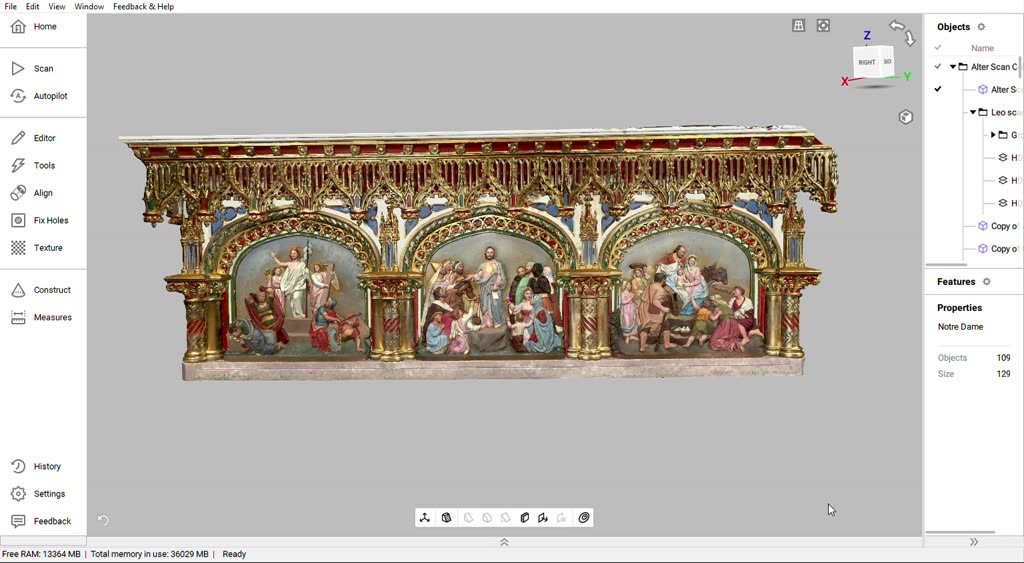
The scanner collects the data. Artec Studio is where that data turns into an actual 3D model — something you can print, mill, measure, inspect or hand to a client. People shop hard on the scanner and barely look at the software. It makes a tremendous difference.
Why we love Artec Studio
Artec Studio makes processing scans easy. Everything we hand a client — the mesh, the measurements, the STEP file, the deviation map — comes out of this one piece of software. It is an outstanding tool. One really important note is that improvements from version to version are significant and useful. This software is always expanding.
01
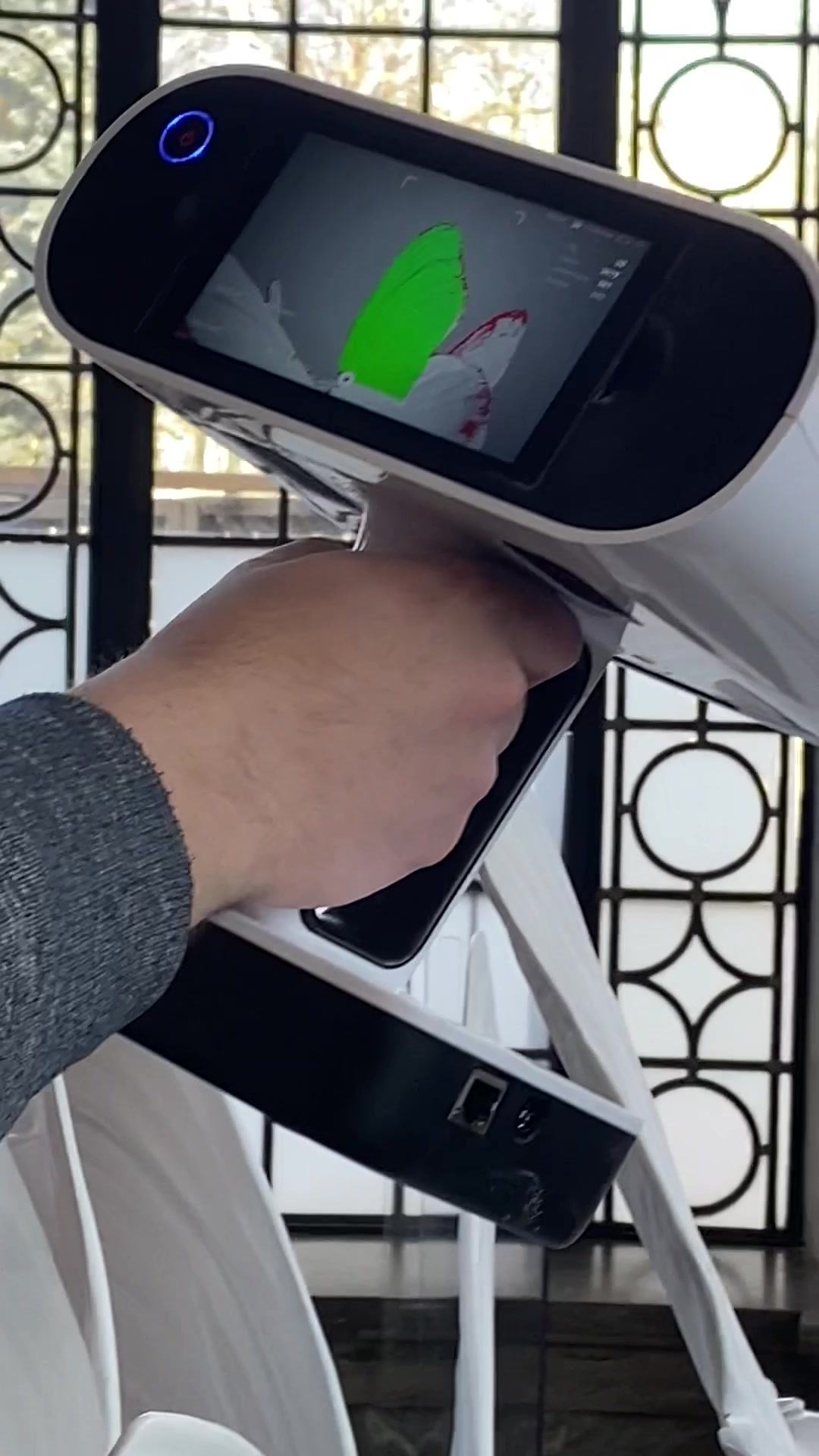
Artec Studio drives the connected scanners and shows the mesh forming as you work, so you see the holes while you are still standing in front of the object rather than back at the desk. Stop, reposition, carry on. Take multiple scans and align them into one model.

02
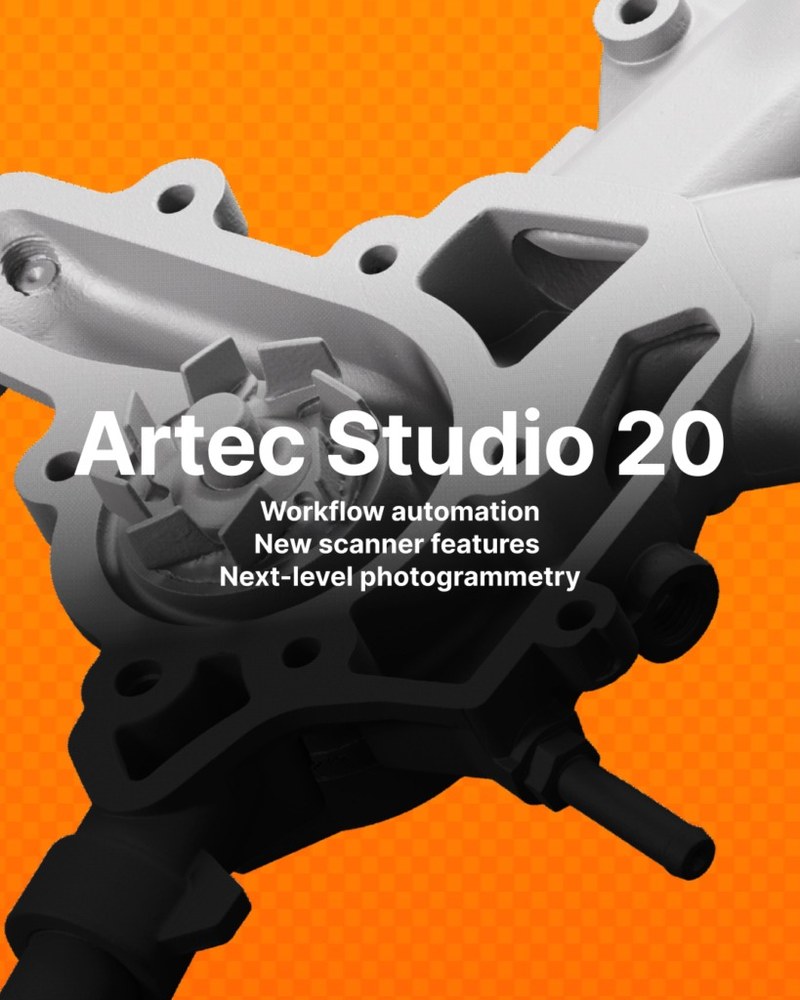
Artec Studio 20 introduced Workflows: you queue up the processing algorithms you always run, press go once, and come back to a finished model. Artec puts the speed gain at up to 70%. The real benefit is that the same steps happen the same way every time, which is what you want when the output is going to a customer.
There is also an Autopilot that will walk the whole job for you if you would rather not think about it.

03
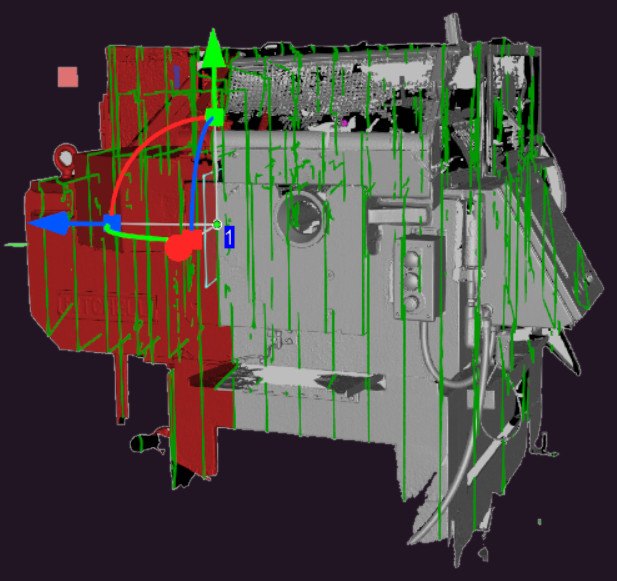
Distances, sections, surface areas, volumes. Mesh-to-CAD and mesh-to-mesh deviation analysis, which is how you answer “is this part still the shape it was built as?”

04
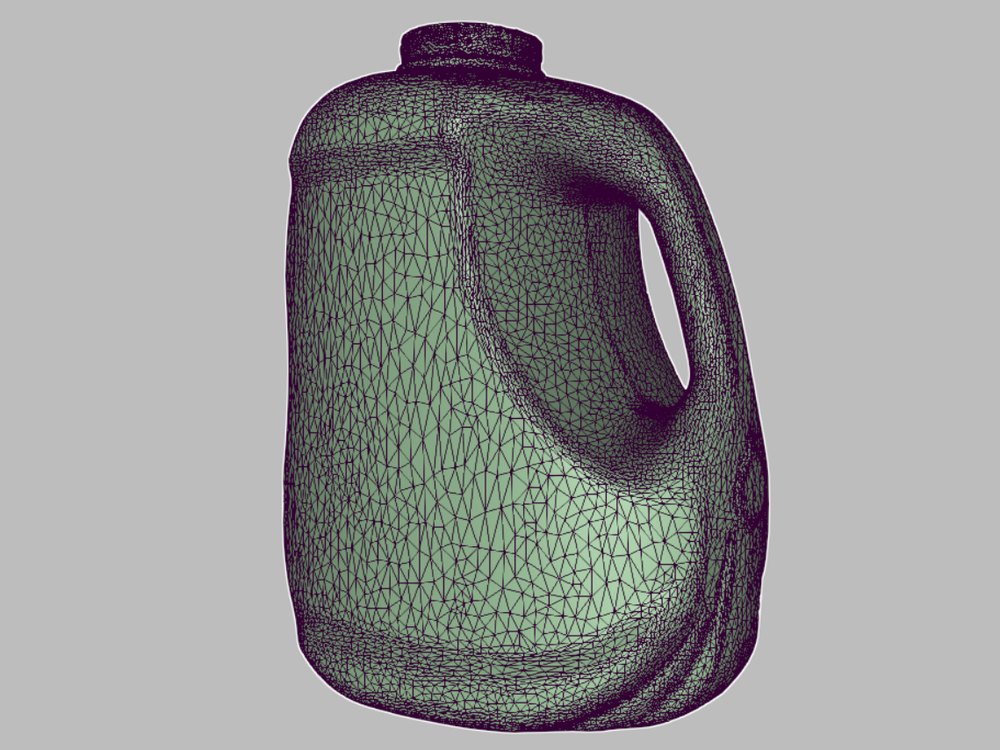
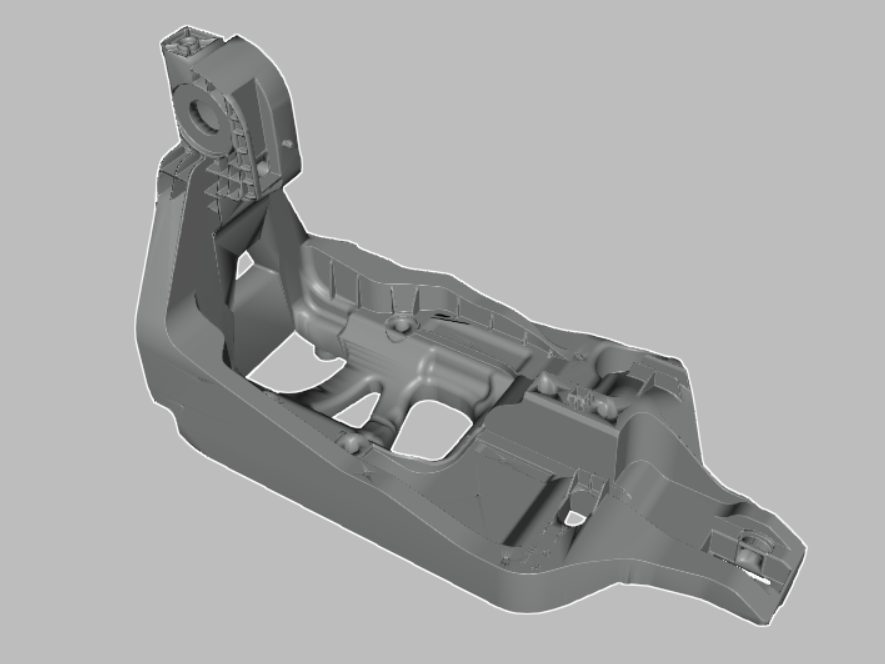
Auto-surfacing, datum alignment, booleans, and STEP exports for the CAD package you actually use. This is how a mesh becomes something an engineer can work with — and it is worth being clear that a surfaced scan is not the same thing as a full parametric CAD model.


No scanner required
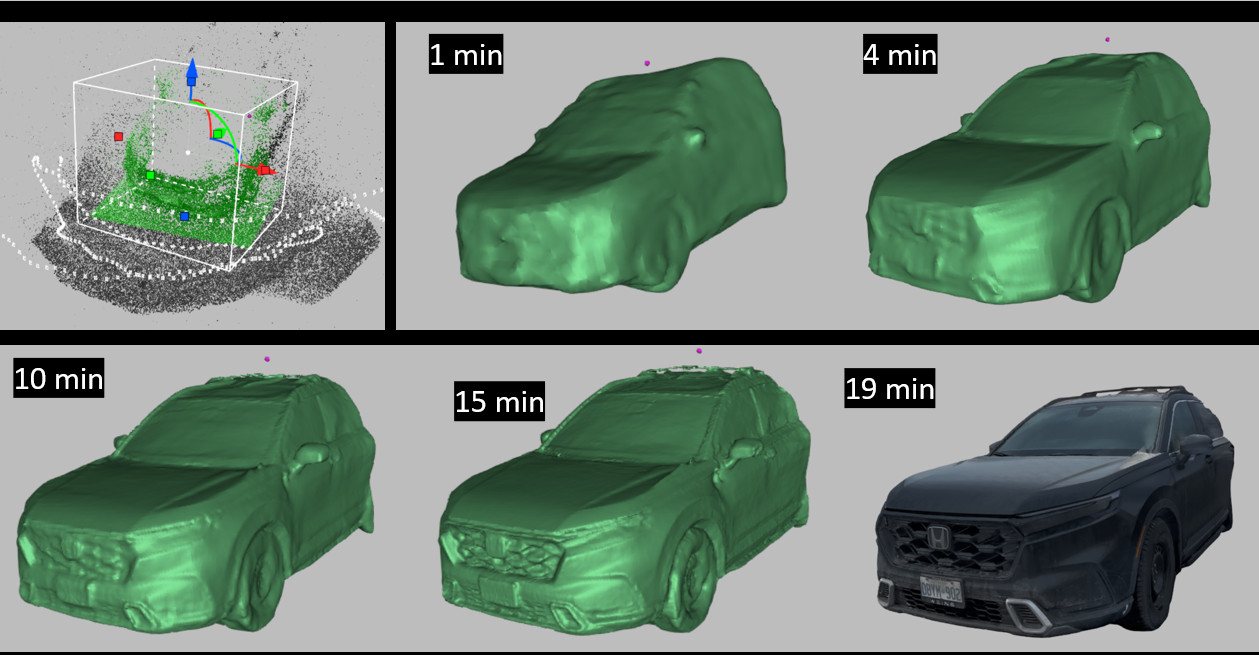
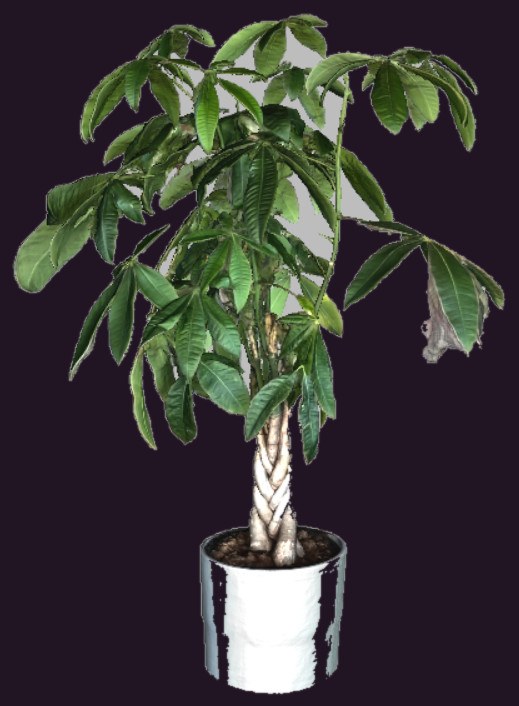
Artec Studio will build a 3D model out of photographs or video taken on any camera you own, including a phone.
Large objects, buildings and sites. Things with a lot of windows or reflective surfaces. Anything you cannot get a scanner to, or could not get to twice. Colour and texture come through well because they come from real photographs.
Not a substitute for a metrology-grade scan. Photogrammetry gives you shape and appearance; it does not give you the accuracy figures a scanner does, and nobody should quote it as if it did.
Alongside scanning, not instead of it. Shoot the site on a phone, scan the parts that need real accuracy, and bring both into the same project.
Better together
This is the capability most people miss when they compare scanners on a spec sheet, and it is the reason the software matters as much as the hardware.
Capture the gross form with the wide-field scanner, Artec Leo or Artec Eva. Large field of view, fast, accurate enough for most of the surface.
Go back over the critical areas with an Artec Spider or Artec Neo. Fine detail and tight tolerance, spent only where the job earns it.
Artec Studio aligns both scans into one model, and takes photographs, video, CAD files and other data on top. Every scanner has a strong point — use each one for its strong point and combine the results.
The question is rarely which single machine is best. It is which combination gets the job done, and what your software can do with what comes off them. This is where Artec Studio earns its place.
Software for HUGE datasets
There is a second piece of Artec software, and it is only for the Artec Jet.
Artec Studio is where handheld scan data becomes a model. Artec Twins is where LiDAR data from the Artec Jet becomes a site. Different job, different software.
Twins processes raw Jet scans into point clouds in batches, georeferences them against ground control points or RTK data to take the drift out, merges multiple sessions into one cloud, colourises and filters, and runs change detection and measurement across the result. That is survey and as-built work — mines, construction sites, infrastructure — not the mesh-and-texture work Artec Studio does.
If you are not buying a Jet, you do not need it. If you are, it is part of the conversation from the start.
Editions and licences
Get this wrong and you either overpay or find yourself locked out of a version upgrade you assumed was coming. Ask us before you buy, not after.
One licence covers one PC, so plan for the second operator before you need them. The honest version: if you scan every week and want the new capture modes as they land, subscribe. If you scan occasionally and the version you have does the job, lifetime is cheaper over five years. We will tell you which one you are, and we would rather tell you before the invoice than after.
Before you buy
People buy a scanner, install Artec Studio on the laptop they already own, and then blame the scanner.
An NVIDIA GPU is required: Turing architecture or newer, 6 GB of GPU memory minimum and 8 GB recommended. No AMD cards, no integrated graphics. macOS is not supported and neither are virtual machines. Get this wrong and HD reconstruction and the AI tools simply fail.
16 GB covers Artec Eva in SD mode and Artec Space Spider. Artec Eva in HD mode, Artec Leo, Artec Micro and Artec Ray want 32 GB, with 64 GB (or more) strongly recommended. Artec Spider II needs 64 GB.
Windows 10 64-bit or Windows 11. Intel Core i5, i7 or i9 from the 7000 series on. Artec Spider II requires Intel 12th generation minimum, and AMD Ryzen, Threadripper and Xeon are not supported for it.
Requirements as published by the manufacturer for Artec Studio 20. Full product information is available from Artec 3D. ScanScanScan3D is a Gold Certified Artec 3D Partner and an authorized Canadian reseller.
Most of our customers use laptops — for portability. Talk to us before you order the machine — it costs nothing and it has saved people a great deal.
Tell us which scanner you run, or are thinking about, and how often you expect to use it. We will tell you which licence fits — including when the cheaper one is the right answer.